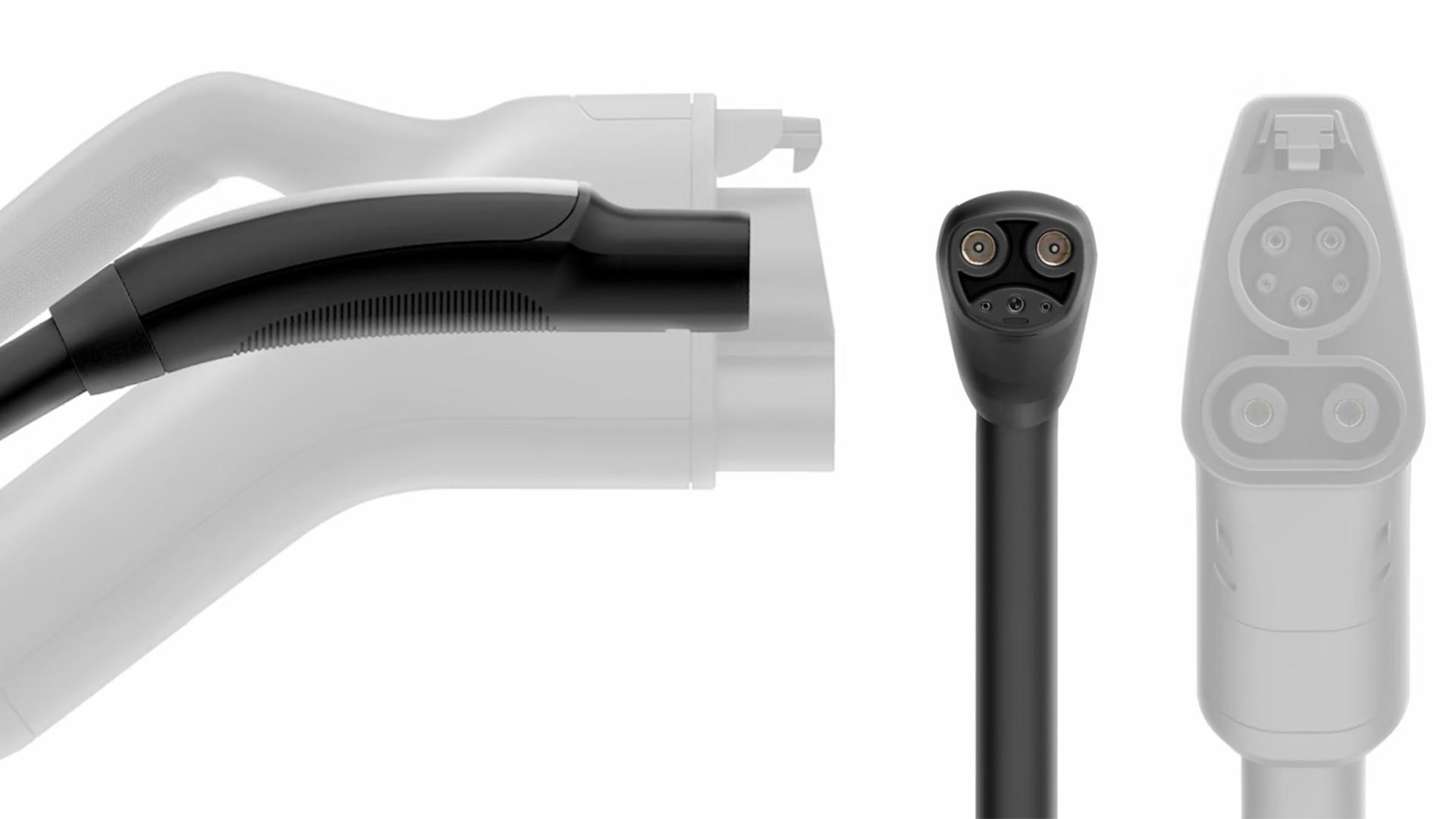
In North America, all Tesla vehicles currently use the North American Charging Standard (NACS) connector, created by Tesla. In contrast, almost all other electric vehicles (EVs) use the SAE CCS combo1 (Combined Charging System) connector, which is easily identifiable by its circular upper connector (called the J1772 connector for AC charging) and two pins at the bottom for DC fast charging. Additionally, some vehicles still use the CHAdeMO connector, such as the plug-in hybrid Mitsubishi Outlander and the Nissan Leaf.
Can You Charge Other EVs at Tesla Supercharger Stations?
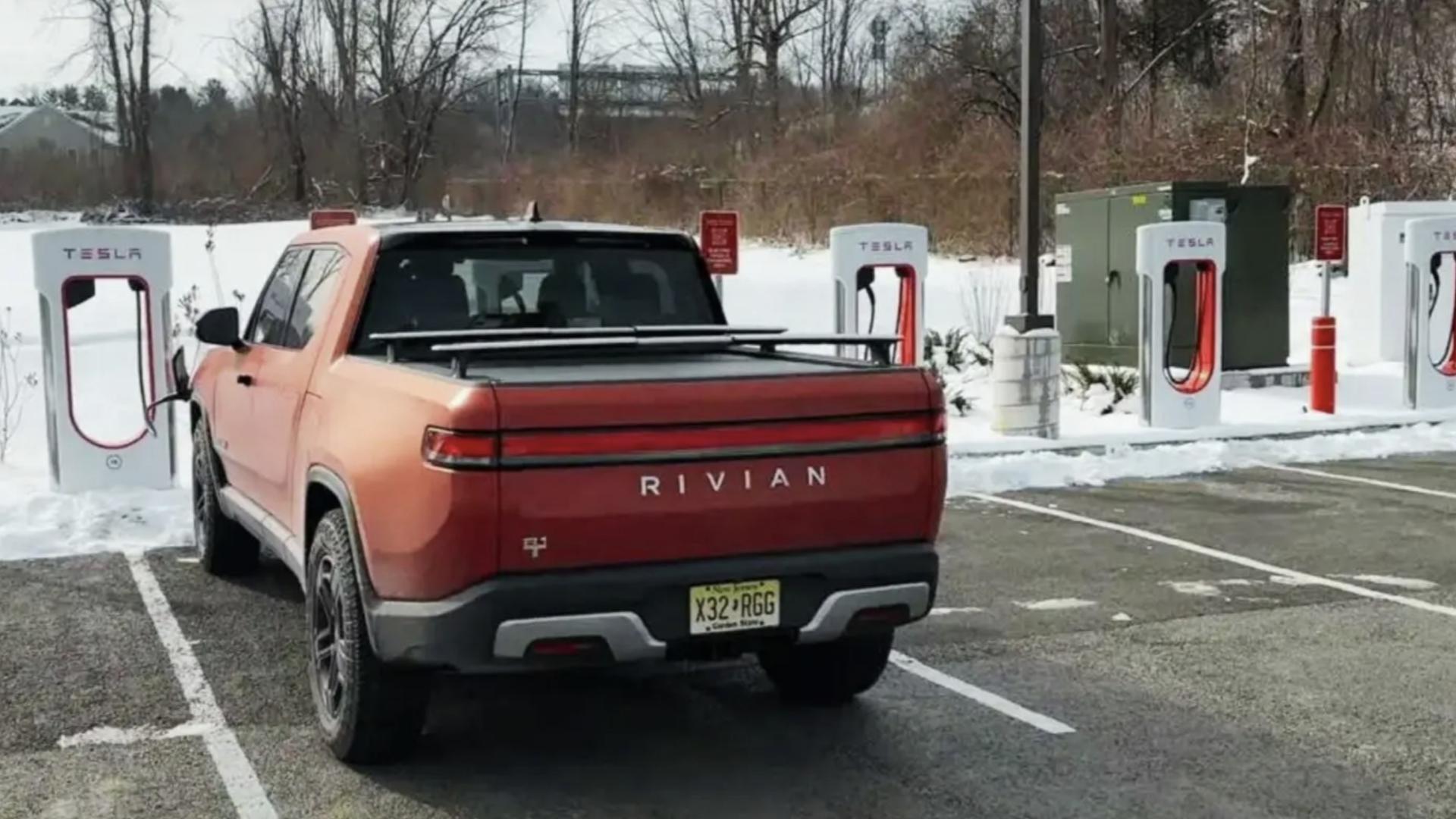
The answer is both yes and no, depending on the type of vehicle you own and the type of Tesla Supercharger station available near you. If you currently own a Ford Mustang Mach-E, F-150 Lightning, Rivian R1T, or R1S, you can use an adapter provided by the manufacturer or third-party adapters like Letcron or A2Z to charge at any V3 (250 kW) or V4 Tesla Supercharger station without needing to download the Tesla app.
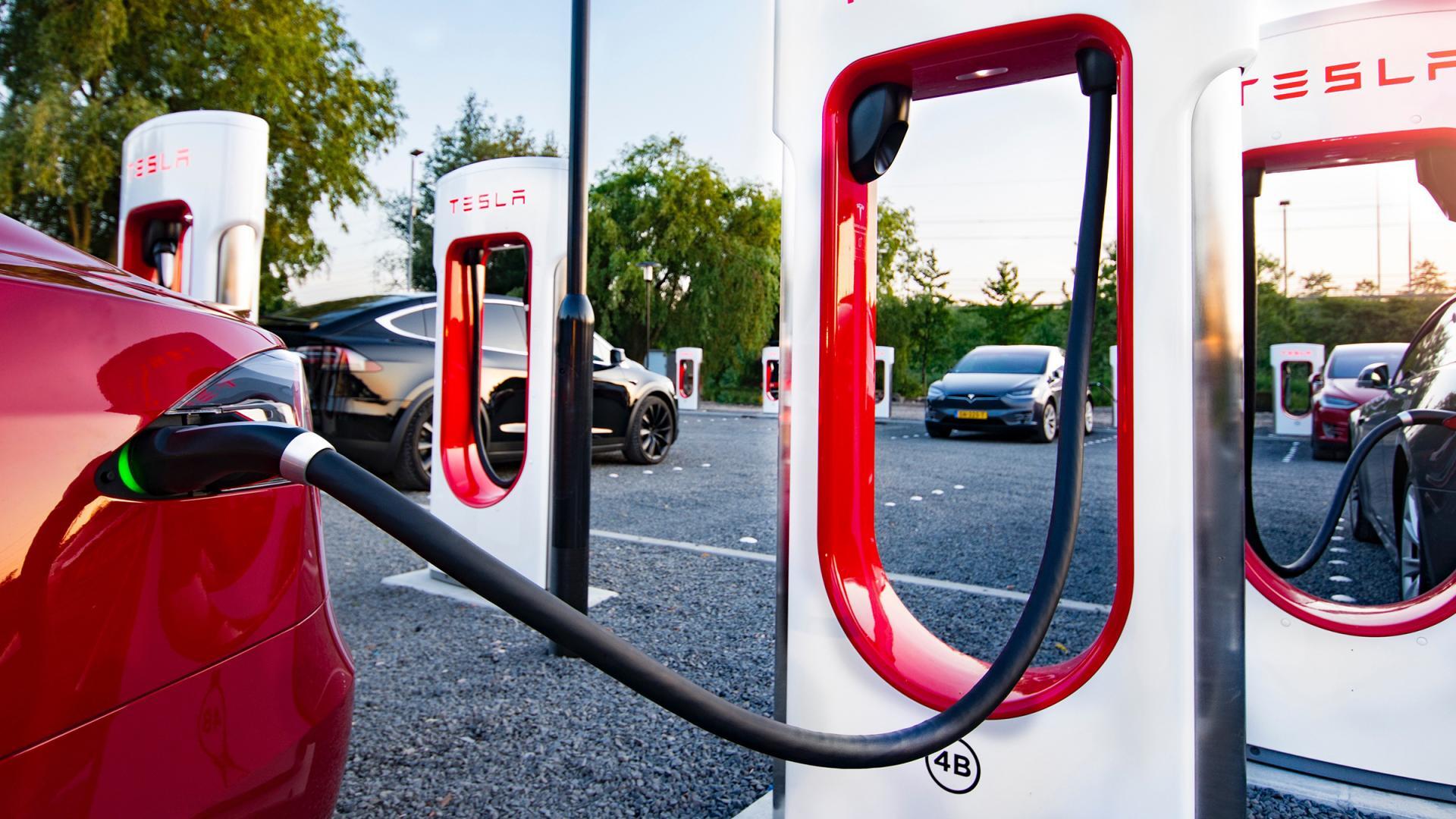
For vehicles in the alliance, adapters and Magic Docks are not required. Charging and payment are automatically handled through the vehicle’s proprietary smartphone app or native software. These vehicles will automatically find compatible chargers, ignoring V1 Tesla Destination Chargers or V2 Tesla Superchargers (150 kW). For route planning, you can use this Tesla Supercharger map to find one of over 15,000 compatible chargers near you. Note that you can use the filters for “Superchargers open to other EVs” and “Superchargers open to NACS” to charge alliance-included vehicles.
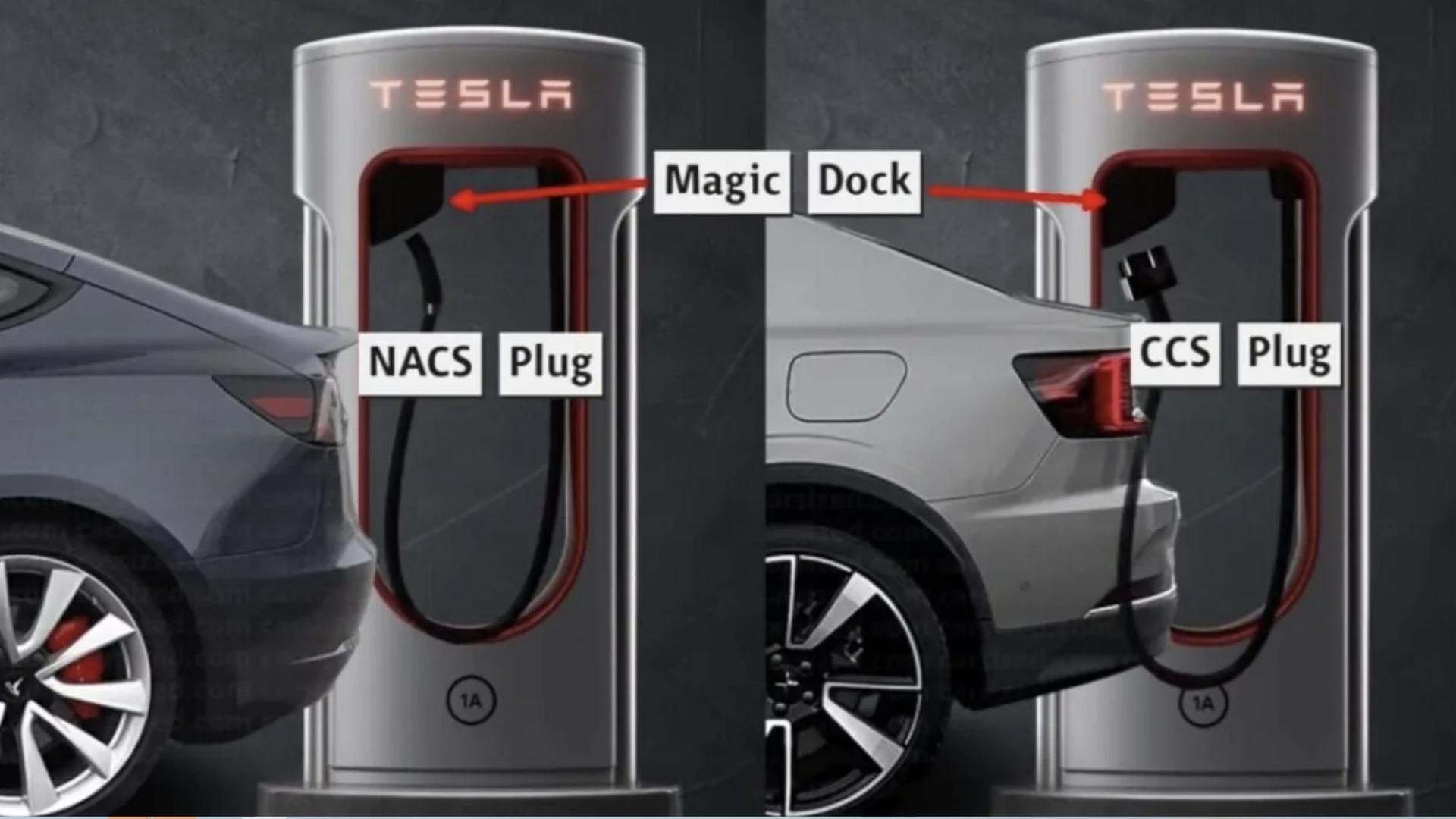
If you currently own other models like the Volvo XC60, Volkswagen ID.4, Honda Prologue, Chevrolet Bolt, Mercedes EQA, or BMW i4, you can only charge at Tesla Supercharger stations equipped with Magic Dock and must use the Tesla smartphone app to initiate charging and payment. Purchasing these third-party adapters does not mean you can park and charge at any Tesla charging station. We’ve tried it. To view Tesla Supercharger stations equipped with Magic Dock, use the “Superchargers open to other EVs” filter on the Tesla Supercharger map.
If you own an EV with an 800-volt or higher battery architecture, such as the Hyundai Ioniq5, Kia EV6, Porsche Taycan, or Lucid Air, you can use Tesla Superchargers with Magic Dock and the Tesla app but may experience slower charging speeds. Why? Currently, Magic Dock chargers have a maximum output of 500 volts, as they were initially designed for Tesla – all Teslas, before the Cybertruck, used a 400-volt battery system, similar to most EVs. Meanwhile, 800-volt EVs are equipped with onboard inverters to make them compatible, but these inverters are limited by the hardware specified by the automaker, with power ranging from 50 to 150 kW. This limitation prevents them from charging at peak DC fast charging rates at Tesla’s 500-volt Supercharger stations, whereas public charging infrastructure elsewhere, like Electrify America, has fast chargers with a maximum voltage of 1000 volts.
If you’ve previously used a DC fast charger to charge your EV, there’s not much extra information you need to know, but the experience may vary slightly depending on your vehicle. Regardless of what you drive, you must use V3 Superchargers, as slower V2 Superchargers are incompatible with non-Tesla vehicles. You can park in the charging space, plug the charging cable into the adapter, and then into your car before downloading any apps.
If you drive a Ford, Rivian, or another vehicle from a manufacturer that has joined the alliance and rolled out vehicle software updates to support Tesla Supercharger DC fast charging, charging is as simple as plugging in. As long as you have a validated payment method in the vehicle app, charging will automatically start. Tesla chargers do not have cash or credit card payment channels, as payment is processed through the company’s app. Your car will indicate that charging has started, and from then on, you just wait for the battery to reach the desired state of charge.
If you try to charge a vehicle that isn’t natively supported at a Tesla Supercharger, you’ll need to download the Tesla smartphone app from the Apple App Store or Google Play Store. The app is free, and setting up an account takes about five minutes. After downloading the app and logging into your account, there’s a button called “Find a Charger” under “Charge Your Non-Tesla.” Touch the “Find a Charger” button, select the Tesla Supercharger station where you’ve parked, confirm the specific location (e.g., 2A), and then touch the “Start Charging” icon at the bottom of the screen. The following screen will display the charging fee (typically $0.35 to $0.60 per kWh) and the default payment method. If the payment method is empty, it will prompt you to add the necessary information before charging can begin. If you have registered for Tesla charging membership, you can also enjoy charging discounts.