Electric vehicles are engineered for efficiency, but a smooth charging experience depends on reliable charging equipment and proper maintenance. As an eco-friendly alternative to traditional gasoline vehicles, EVs deliver significant environmental benefits—yet their daily usability relies heavily on stable and consistent charging.
The charging process involves three key components: the charger (EVSE), the charging cable, and the vehicle’s charging port. For charging to work properly, all components must be securely connected and free from visible damage. Even a single faulty connection can prevent charging from starting or cause it to stop unexpectedly.
Regular inspections—such as checking cables for wear, ensuring connectors are clean and dry, and keeping both vehicle and charger software up to date—can prevent many common charging issues and improve long-term reliability.
Even high-quality charging equipment can experience issues. Recent surveys show that nearly one in five public charging stations experiences downtime, most often due to hardware damage or software-related problems.
Hardware failures: cracked screens, loose plugs, worn connectors, or faulty locking mechanisms
Power supply problems: tripped breakers or unstable electrical circuits
Software issues: outdated firmware or app connectivity errors
Weak or lost signals: poor Wi-Fi or cellular signal affecting smart chargers
Extreme temperatures: excessive heat or cold reducing charging efficiency
Visible damage: frayed cables, rusted plugs, moisture inside connectors
Environmental exposure: long-term sun or rain exposure accelerating material aging and corrosion
Using chargers with IP65 protection and certified safety features, such as those from MCEVKELN, helps significantly reduce these risks.
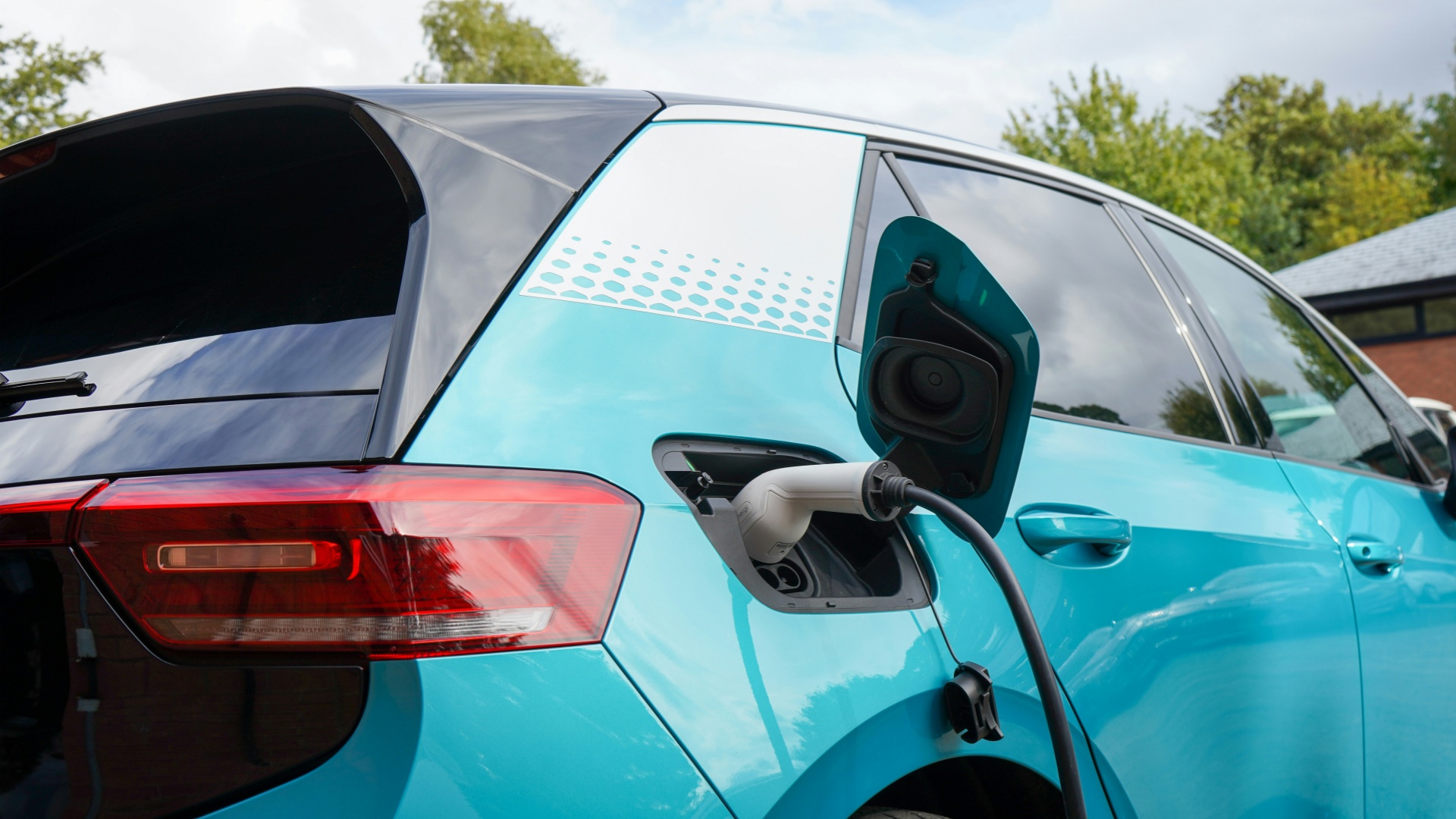
DC fast charging stations allow EVs to reach up to 80% charge in around 30 minutes, making them ideal for long-distance travel or quick top-ups. However, fast charging generates additional heat, which may impact long-term battery health if overused.
To manage this, most modern DC chargers include advanced cooling systems. Understanding when to use fast charging and when AC charging is more appropriate helps drivers balance convenience with battery longevity.
When an EV charger stops working, follow these steps to quickly identify and resolve the issue.
Disconnect the charging cable from both the vehicle and the charger
Turn off the vehicle completely
Wait 5 minutes before reconnecting
This allows both the charger and the vehicle’s battery management system to reset.
If you are using a MCEVKELN charger, refer to the LED indicator guide in the manual. For example, a solid red light often indicates a power or connection issue.
Inspect your breaker panel for tripped circuits
Confirm the outlet voltage meets the charger’s requirements
Ensure home chargers are installed on a dedicated circuit to avoid overload
MCEVKELN Level 1 chargers feature temperature-sensing plugs and built-in over-voltage, under-voltage, short-circuit, and over-temperature protection, making them safe for household use.
Look for visible damage, corrosion, or worn insulation
Ensure connectors are fully seated in both the vehicle and charger
Replace the charger immediately if connections feel loose
MCEVKELN chargers use Type-B RCD protection, capable of detecting extremely small DC leakage currents. If a leakage warning appears, stop charging immediately and contact support.
Confirm connector compatibility (e.g., J1772 vs NACS in North America, IEC 62196 Type 2 in Europe)
Use appropriate adapters if required
Keep charger firmware updated to ensure security, stability, and compatibility with new EV models. Note that vehicle OTA updates may temporarily affect features such as RF unlocking or one-touch charging stop—but charging functionality itself is usually unaffected and can still be controlled via the vehicle’s mobile app.
Try charging a different vehicle
Try a different power source
Record any error codes or LED patterns
This helps determine whether the issue lies with the vehicle, charger, or power supply.
If the issue persists:
Contact the charger manufacturer, EV dealer, or a licensed electrician
Provide details such as time, location, and error messages
⚠️ Do not attempt to open or repair an EV charger yourself, as EVSEs operate with high current and require professional handling.
Some charging issues originate from the vehicle itself:
Inspect the vehicle charging port for dirt, corrosion, or damage
Clean gently with a dry, lint-free cloth
Check the vehicle display for diagnostic messages
Many EVs include onboard diagnostics that help identify charging problems quickly.
Complex or recurring issues may require:
Electrical panel inspection
Specialized testing equipment
Firmware diagnostics
Certified professionals can identify hidden faults, damaged connectors, or compatibility problems that are not immediately visible.
Inspect cables regularly for wear
Keep connectors clean and dry
Avoid charging in extreme temperatures
Install surge protection
Stay informed about software updates
Store charging equipment in shaded, dry areas when not in use
Preventive care is the most effective way to ensure long-term charging reliability.
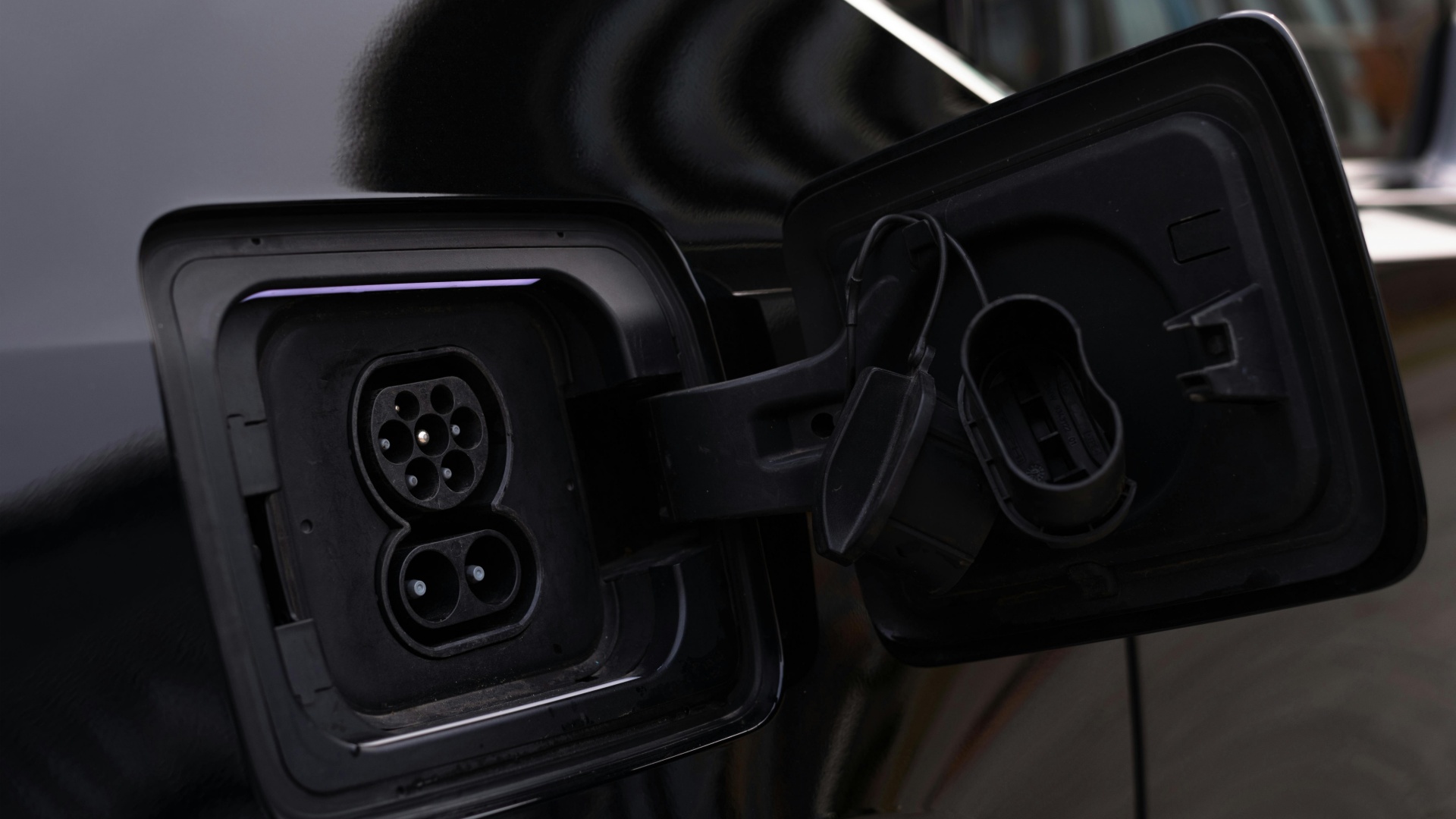
Proper cable maintenance is essential for safe and efficient charging:
Inspect the entire cable length, not just the ends
Look for cracks, overheating marks, or exposed wires
Stop using the cable immediately if damage is found
Store cables properly and always confirm a secure connection before charging. Proactive cable care extends equipment lifespan and prevents unexpected charging failures.